How to Use a Baby Monitor for Daytime Naps
Can You Use a Baby Monitor Without Internet? A UK Guide
Can you use a baby monitor without internet? Yes. A direct 2.4GHz monitor works with no broadband, router or app, but you cannot view it away from home.
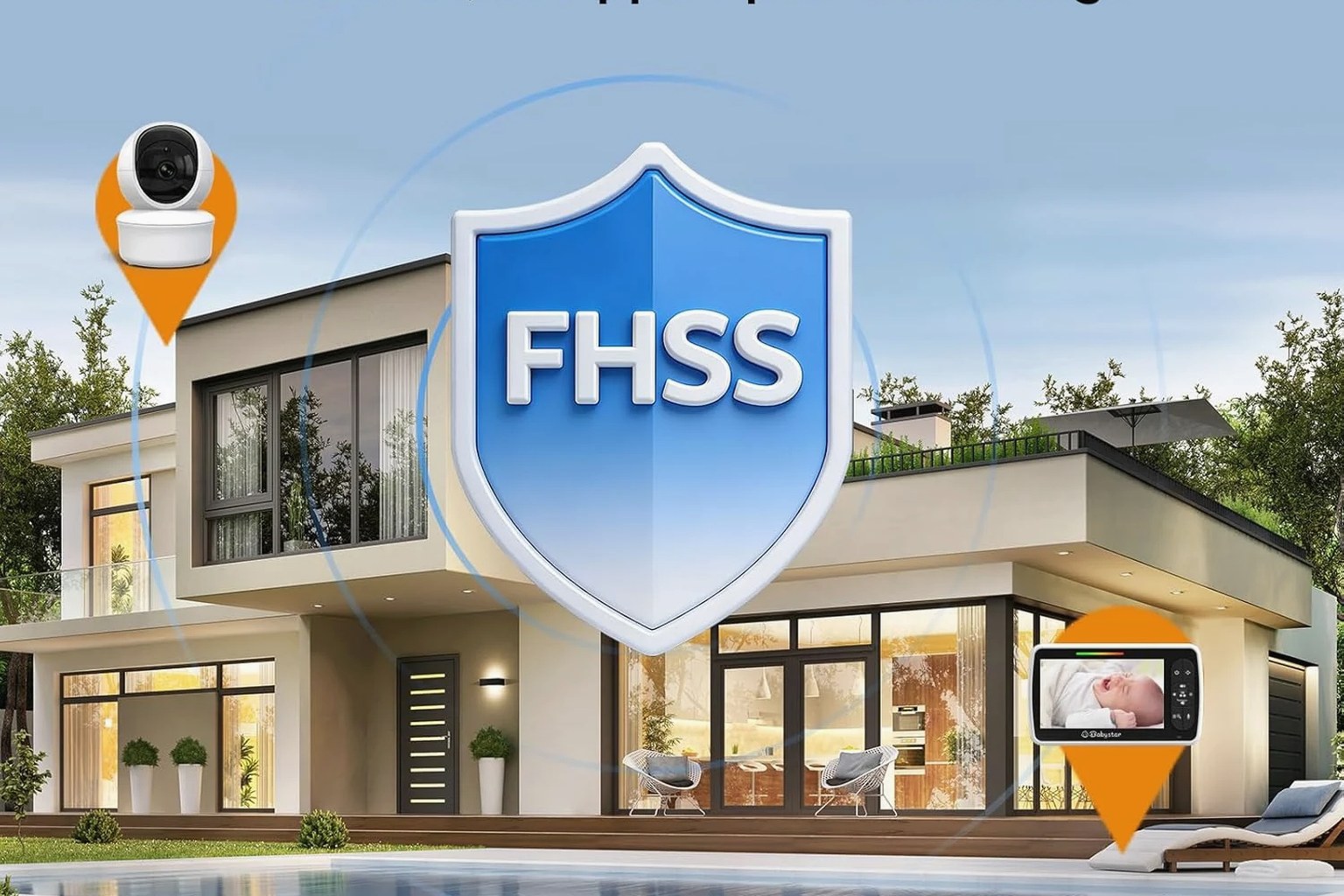
Yes. Many baby monitors work without internet. Audio and video monitors that use a direct radio link between the camera and a dedicated parent unit need no broadband, router, app or account. Only Wi-Fi or smart monitors rely on the internet, mainly so you can view the feed on a phone while you are out.
Can a baby monitor work with no internet at all?
A baby monitor is not one single technology, and most types have never needed the internet. Simple audio monitors, older analogue sets and modern digital video monitors all send sound, and sometimes pictures, straight from the camera to a matching parent unit over a private radio link. No broadband, router or online account sits anywhere in that chain.
The confusion comes from “smart” or Wi-Fi monitors, which stream to a phone app through your home network and the maker’s servers. Those genuinely need the internet to show the picture away from home. A direct, no-app baby monitor does the opposite: it keeps everything inside your home, so it works even when your broadband drops or when there is none to connect to.
Which baby monitors need the internet, and which don’t?
It helps to split monitors into two groups.
- Internet-connected (Wi-Fi or smart) monitors join your home Wi-Fi and pass the feed through the internet to an app. The National Cyber Security Centre notes these cameras are usually reachable while you are out, so they should carry a strong password and regular updates.
- Direct-radio monitors pair a camera to a dedicated screen or speaker on bands such as DECT (1.9GHz) or 2.4GHz. Nothing is published to the internet, so there is no app to log into and no remote feed to secure.
If a product asks you to download an app, create an account or connect to your router, it is an internet monitor. If it simply comes with its own handheld screen and pairs to the camera, it runs without the internet. Our no-app baby monitor guide shows how to tell the two apart on a product page.
What do you gain and give up without the internet?
The main gain is simplicity and independence. There is no app setup, no login and no reliance on your phone or Wi-Fi staying healthy. Because the link is local, a broadband outage or a router reboot does not interrupt the picture, which suits homes with patchy connections and places such as holiday lets that have no broadband at all.
The main thing you give up is remote viewing. A direct monitor shows the feed only on its own parent unit, and only while that unit stays within radio range of the camera. You cannot check in from work or another building, because no internet carries the signal out of the house. For many parents that is exactly the point, but it is worth knowing before you buy.
Two limits also apply. Range is finite—walls, floors and other 2.4GHz devices reduce it—and “no internet” describes the connection type, not an absolute privacy promise. A radio product still deserves sensible placement and care rather than blind trust.
How does a direct 2.4GHz monitor like the SM650 work?
The Babystar SM650 is one example of the direct approach. Its camera reaches the 5-inch parent screen over a direct 2.4GHz connection, with no home-Wi-Fi setup, cloud account or phone app required. The published open-space range is up to 300 metres, although indoor range is lower and varies with your home’s layout, walls and interference.
A few details matter in daily use. The parent unit has a published 3000mAh rechargeable battery, quoted as up to 15 hours in ECO mode and around eight hours in regular viewing; these are the manufacturer’s figures rather than our own tests. The camera, though, must stay plugged into mains power while running, so “no internet” does not mean “no cables”. Because the feed never leaves the parent unit, you cannot watch it on a phone either. If you live in a flat or compact home, our small-home and flat guide covers placement and range in tighter spaces.
How do you set up a no-internet baby monitor?
Setup is quick, because there is no network stage:
- Power both units. Plug the camera into a mains socket near the cot and charge the parent unit.
- Let them pair. Many direct monitors, including the SM650, link the camera and parent unit automatically; check the manual if the screen shows no picture.
- Test the route you will actually use. Walk from the nursery to where you will sit and watch for drop-outs, rather than trusting the open-space range figure.
- Secure every cable. Keep the camera, adaptor and the whole cable well out of the baby’s reach, and reassess as they become mobile.
A monitor of any kind is a convenience, not a safety device. The SM650 is a standard video and audio monitor, not a medical one, and it cannot diagnose illness or monitor breathing. The Lullaby Trust says there is no research showing monitors prevent SIDS, and that a monitor never replaces a carer’s supervision. Its advice, alongside the NHS, is to keep your baby in the same room as you for the first six months, sleeping on their back in a clear, firm, flat cot.
FAQ
Do all baby monitors need Wi-Fi?
No. Only Wi-Fi or smart monitors need your home network, mainly so you can view the feed on a phone. Audio and direct-radio video monitors pair straight to their own parent unit and work with no broadband, router or app.
Will a no-internet baby monitor work during a broadband outage?
Yes. Because the camera and parent unit talk to each other directly over radio, an internet or router outage does not affect them. The camera still needs mains power, so a full power cut would stop it, unlike a brief broadband drop.
Can I view a no-internet baby monitor on my phone?
No. A direct monitor such as the SM650 shows the picture only on its supplied parent screen, within radio range. Phone viewing and checking in from another building both need the internet, which this type of monitor deliberately avoids.
Is a monitor without internet more private?
Keeping the feed off the internet avoids the app, cloud and remote-access exposure the NCSC highlights for smart cameras. That is a genuine benefit, but no radio monitor should be described as hack-proof; treat “no internet” as one sensible choice rather than an absolute guarantee.