How to Use a Baby Monitor for Daytime Naps
How Far Does a 300m Baby Monitor Work Indoors? A UK Guide
How far does a 300m baby monitor work indoors? Far less than the open-space figure. See what cuts the range and how to test your own home.
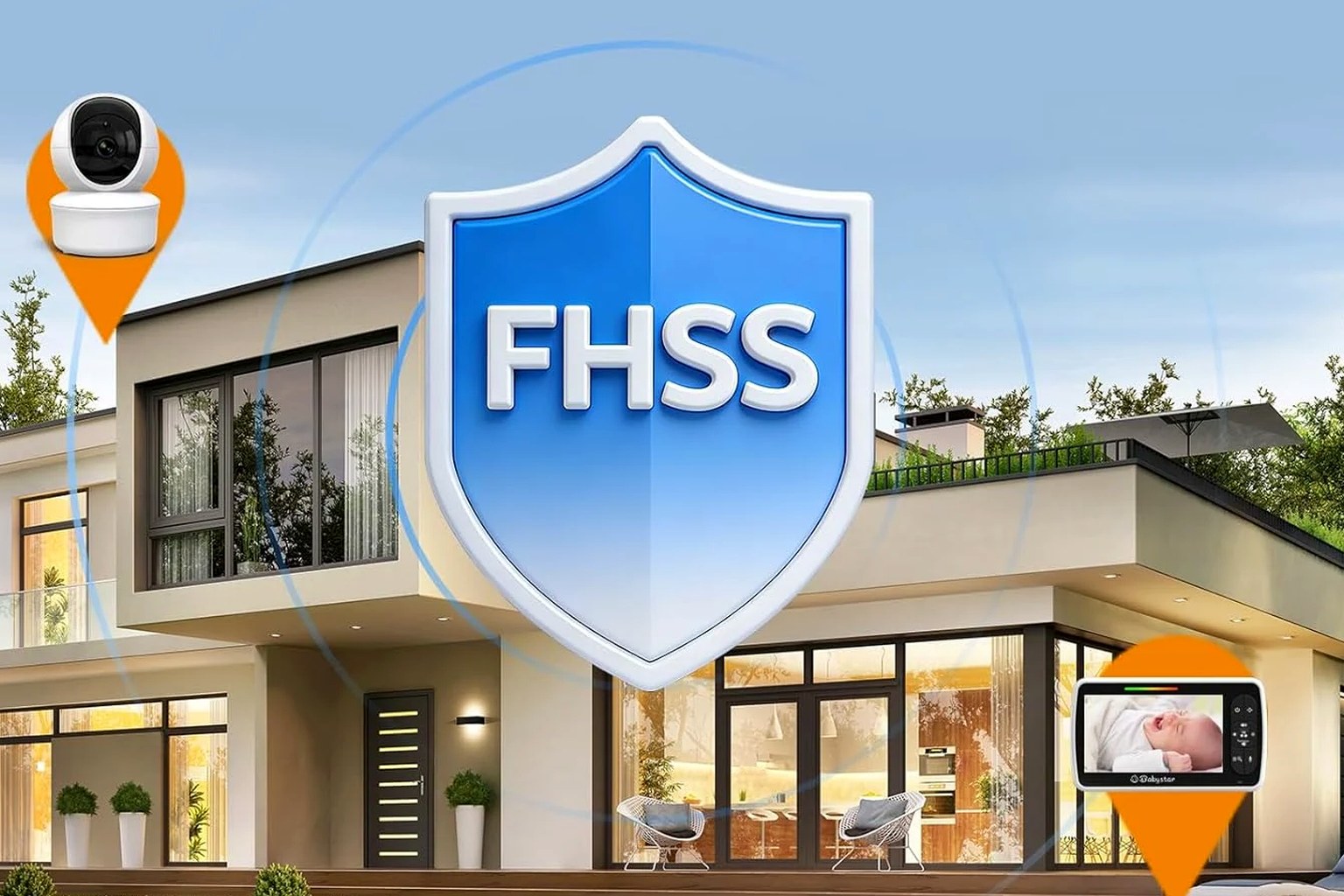
There is no single indoor distance a 300m baby monitor can promise. That headline figure is measured outdoors with a clear line of sight, so inside a real home you should expect noticeably less. Walls, floors, building materials and radio interference all shorten the link, and every house differs.
Why does a 300m baby monitor reach less indoors?
The 300m on the box is a best-case number. Manufacturers measure it outdoors, in open space, with the camera and parent unit in clear view and nothing in between. That is fine for comparing products, but it is not where your baby sleeps. Indoors, the same 2.4GHz signal must push through the structure of your home, so the real baby monitor indoor range is always lower than the open-air claim.
A direct monitor sends its picture straight from camera to parent unit over a short-range radio signal, with no router or internet; our no-app baby monitor guide explains that closed link. Radio at 2.4GHz behaves like light: it travels furthest with a clear path and fades as solid objects block the way.
What actually cuts the range in a UK home?
Ofcom’s guidance on home wireless puts it plainly: signals on this band weaken as they pass through objects, and some materials block them far more than others. The main factors:
- Walls. Plasterboard and hollow internal walls barely register. Solid brick, stone and concrete are the real obstacles, and older UK homes with thick masonry are hardest.
- Floors between storeys. Going up or down a level forces the signal through a dense layer of joists, boards and sometimes concrete, so range drops fastest vertically.
- Water, metal and glass. Radiators, pipework, foil-backed insulation, large mirrors and even a fish tank absorb or reflect the signal.
- Other 2.4GHz devices. Microwaves, cordless phones, Bluetooth speakers and neighbouring Wi-Fi crowd the same band, adding interference on top of the physical obstacles.
In a flat or terrace it is busier still, as dozens of nearby networks compete for the airspace; our guide to baby monitors in a small home or flat covers that.
So how far does a 300m baby monitor work indoors in practice?
Honestly, no one can give you a trustworthy figure in metres — be wary of any shop that does. The distance a 2.4GHz monitor signal survives depends on your exact walls and floors, where the camera sits and what else is transmitting nearby. A number that fits a modern open-plan flat could be meaningless in a solid Victorian terrace nearby.
What is reliable is the pattern. Expect the open-space rating to fall to a fraction of itself once walls and floors are involved, expect the sharpest drops between storeys, and expect the parent unit to beep a warning before the link fails. What matters is whether the monitor holds a steady link between where your baby sleeps and the rooms where you spend time.
How can I test a 300m monitor’s real range at home?
Because the honest answer is ‘it depends’, measure your own home while you can still return the monitor. Set aside twenty minutes in the first few days:
- Set the camera where it will live. Place it pointing at the cot, on mains power.
- Walk the route you care about. Carry the parent unit to the kitchen, living room, bathroom, garden and far bedroom — anywhere you would glance.
- Pause between floors. Stop on the stairs and each landing, the spots most likely to drop the signal.
- Watch for warning signs. Note where the picture freezes or pixelates, audio crackles, or the out-of-range alert sounds.
- Retest in the evening. Try again when routers, microwaves and neighbours are busiest, as a 2.4GHz link can behave differently at peak times.
- Decide in good time. If it comfortably covers your daily routine, keep it; if it struggles where you need it, return it within the shop’s stated returns and cancellation period.
Where does the Babystar SM650 fit?
The Babystar SM650, £49.99 including VAT, is a direct 2.4GHz monitor: the camera talks straight to a 5-inch parent unit with no home Wi-Fi, cloud or app. Its published range is up to 300m in open space; like every monitor here, that figure is lower and varies indoors with your walls, floors, layout and interference. BabySock does not publish a specific indoor distance, and neither should we — so test the link on your own route.
Treat any monitor as a listening and viewing aid, not a safety device. The Lullaby Trust says there is no research showing baby monitors help prevent SIDS, and that a monitor can never replace a parent or carer’s supervision; its advice is to share a room with your baby for every sleep in the first six months. NHS safer-sleep guidance adds that a baby should sleep on their back, in their own clear, firm, flat cot, in the same room as you. Keep the camera, adaptor and cable well out of reach.
FAQ
Why is my baby monitor’s range so much lower than 300m?
Because 300m is an outdoor, line-of-sight figure. Indoors, the 2.4GHz signal loses strength every time it crosses a wall or floor, and interference from other devices adds to that. Losing much of the open-space rating in an ordinary home is normal.
Does a 300m baby monitor work between floors?
Often yes across one or two floors, but this is where signals struggle most. The dense layer between storeys absorbs much of the 2.4GHz signal, so range falls faster vertically than horizontally. Test the exact stairs and landings you will use.
Will thick walls stop a 2.4GHz baby monitor working?
Very thick brick, stone or concrete can shorten the range sharply, and older UK properties are toughest. It rarely stops a monitor outright, but it can limit how far the parent unit roams. Give the camera as clear a path as possible.
How do I get the best indoor range from a baby monitor?
Place the camera high with a clear line to the cot, keep both units away from microwaves, routers and cordless phones, and avoid tucking the camera behind metal or a thick wall. Then walk-test your home until the picture stays steady where you need it.